
5 Cursor AI Tips Every Developer Should Know
Discover 5 game-changing Cursor AI features that will transform how you write code, debug errors, and manage large projects.

AI coding assistants have changed how we write code, and Cursor AI stands out as one of the most powerful tools available today. If you are looking to code faster, debug smarter, and build better applications, these five Cursor AI tips will level up your development workflow.
1. Chat With Your Entire Codebase
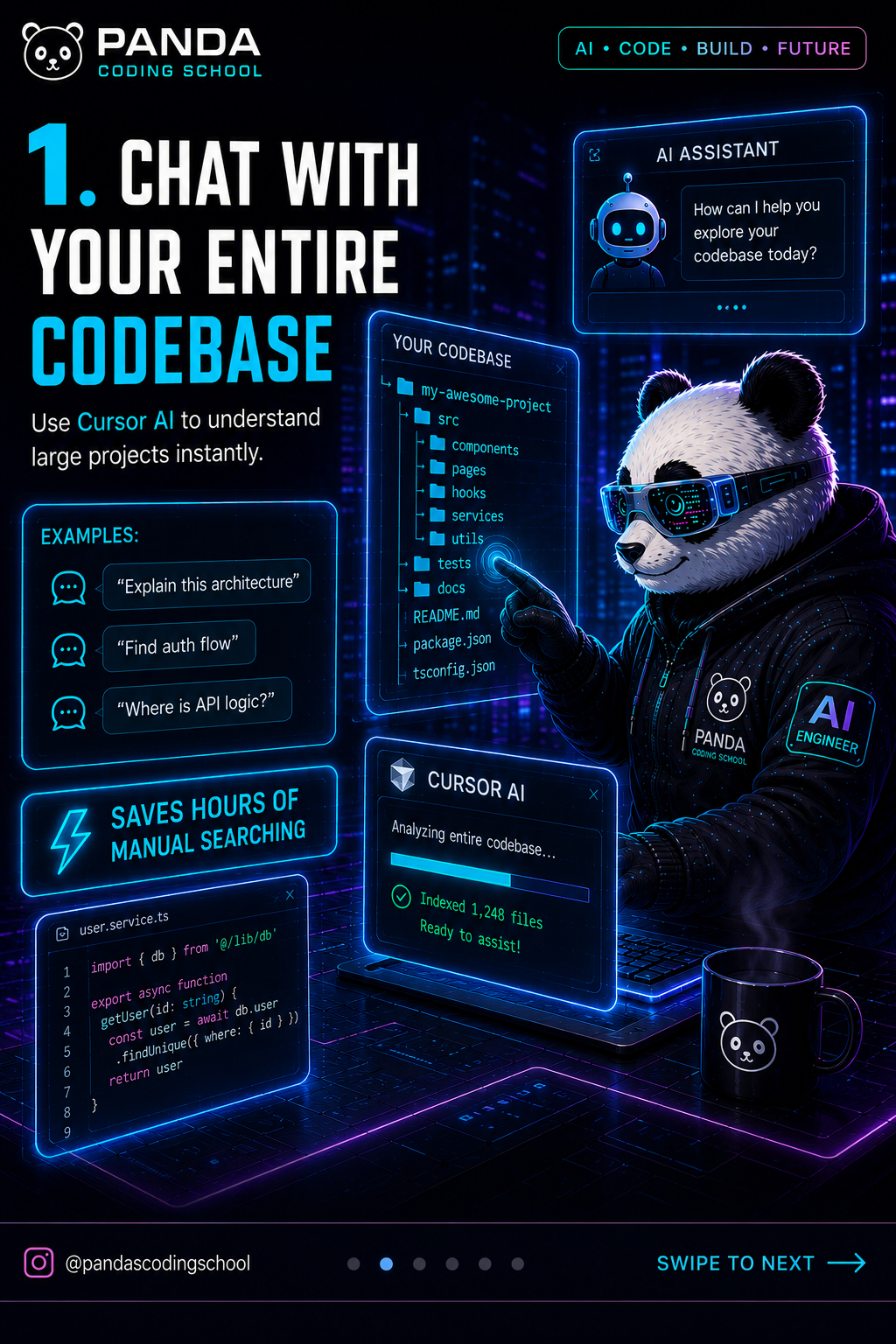
One of the most powerful features in Cursor AI is the ability to ask questions about your entire project. Instead of manually searching through dozens of files to understand how something works, you can simply ask Cursor.
Here are some practical examples:
- "Explain this architecture" - Get a high-level overview of how your project is structured
- "Find auth flow" - Quickly locate authentication logic across multiple files
- "Where is API logic?" - Discover where backend endpoints are defined
- "How does data flow from frontend to backend?" - Understand the complete request lifecycle
This feature saves hours of manual searching, especially when you are onboarding to a new codebase or revisiting a project you have not touched in months. The AI understands context across your entire project, so you get accurate answers that consider imports, dependencies, and file relationships.
Pro tip: Use the @ symbol to reference specific files or symbols when asking questions for even more targeted answers.
2. Multi-File AI Editing
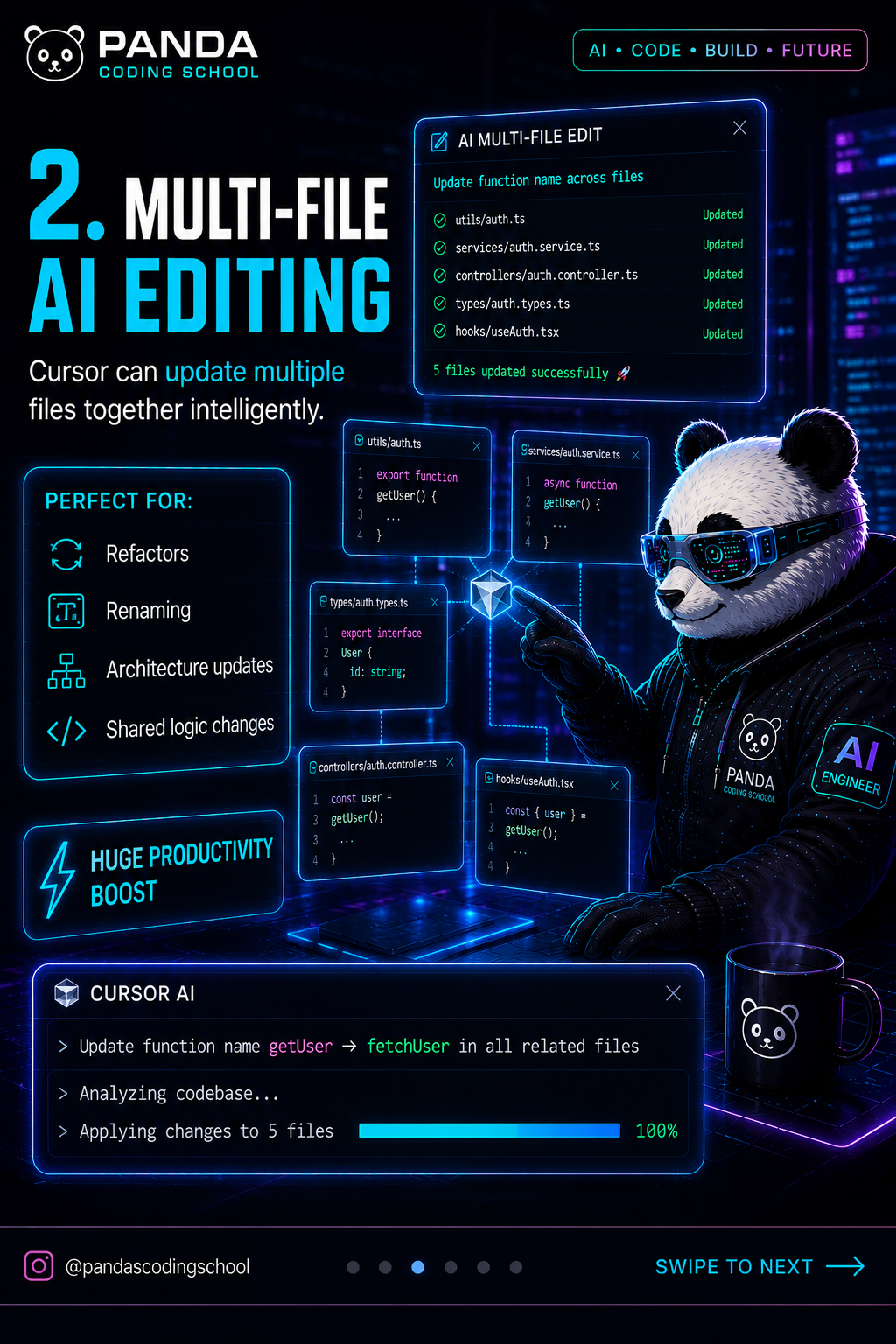
Cursor does not just edit one file at a time. It can intelligently update multiple files together, which is incredibly useful for refactoring and architecture changes.
This feature shines when you need to:
- Refactor code - Rename variables, extract functions, or restructure logic across your whole project
- Update architecture - Migrate from one pattern to another (like moving from REST to GraphQL)
- Change shared logic - Update utility functions that are used in many places
- Rename components - Update React component names and all their imports automatically
Instead of manually finding and replacing across files, describe what you want to change in natural language. Cursor will suggest edits across all affected files, and you can review each change before accepting.
Pro tip: Be specific about what files you want Cursor to touch. Saying "update all auth-related files" works better than vague requests.
3. Debug Errors With AI
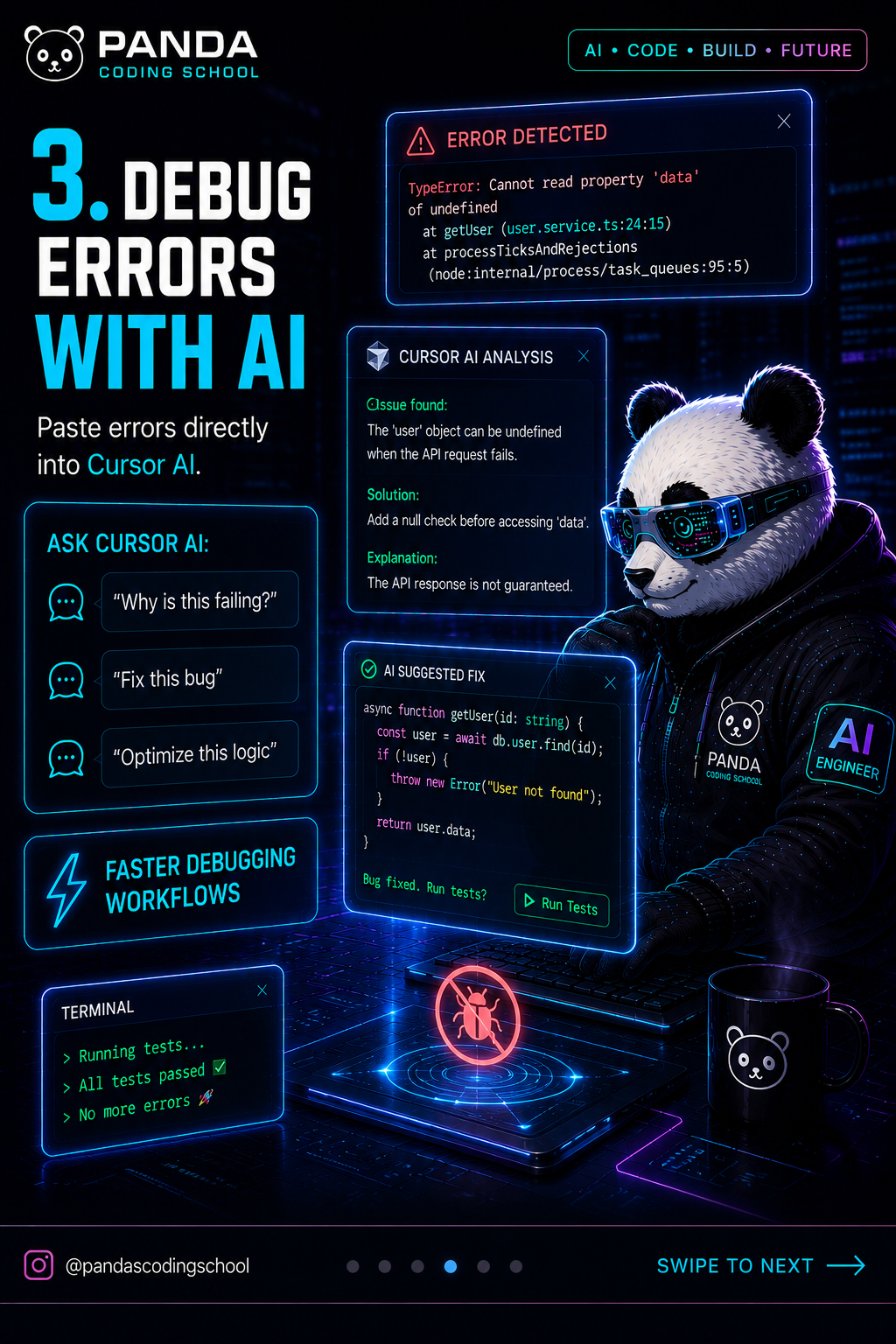
Debugging becomes much faster when you have an AI assistant that can analyze errors and suggest fixes. Cursor AI excels at helping you understand why things break and how to fix them.
Simply paste an error into the chat and ask questions like:
- "Why is this failing?" - Get an explanation of the root cause
- "Fix this bug" - Receive a suggested solution with code changes
- "Optimize this logic" - Improve performance or readability
- "Explain this stack trace" - Break down complex error messages
Cursor understands the context of your error because it knows your codebase. It can trace where the error originates and suggest fixes that work with your existing code patterns.
Pro tip: Include the relevant code snippet along with the error message for more accurate suggestions.
4. Create Custom AI Rules
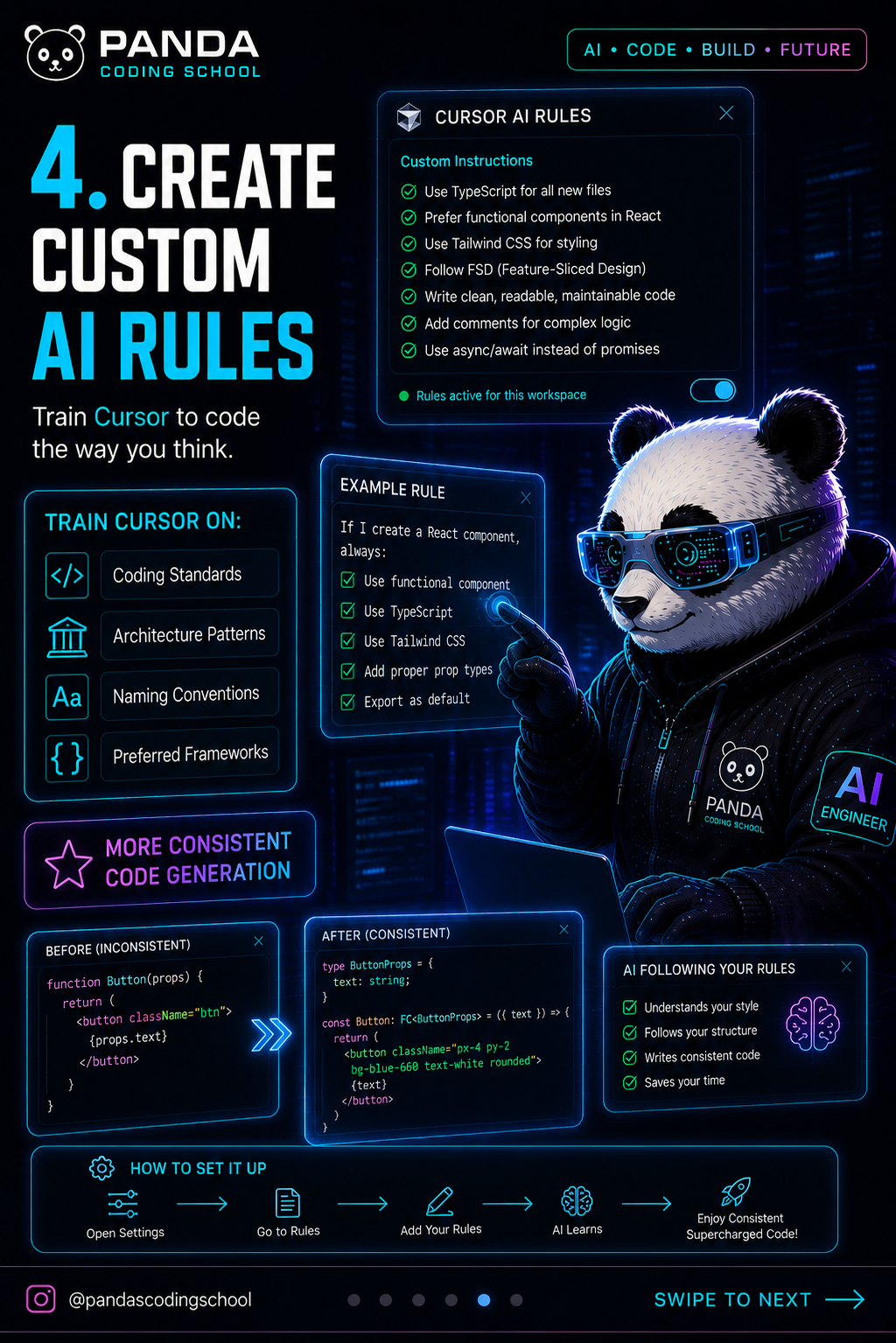
Every team has coding standards, and Cursor lets you teach the AI to follow yours. By creating custom rules, you get more consistent code generation that matches your preferences.
You can configure Cursor to follow:
- Coding standards - Indentation, naming conventions, file organization
- Architecture patterns - MVC, clean architecture, microservices structure
- Preferred frameworks - React hooks vs classes, TypeScript strictness, testing approaches
- Documentation style - How comments should be written, JSDoc requirements
Set up these rules in your Cursor settings, and the AI will automatically apply them to every suggestion. This means less time spent reformatting AI-generated code to match your style.
Pro tip: Start with your most important rules (like naming conventions) and add more over time as you notice patterns in the AI output.
5. Generate Boilerplate Instantly
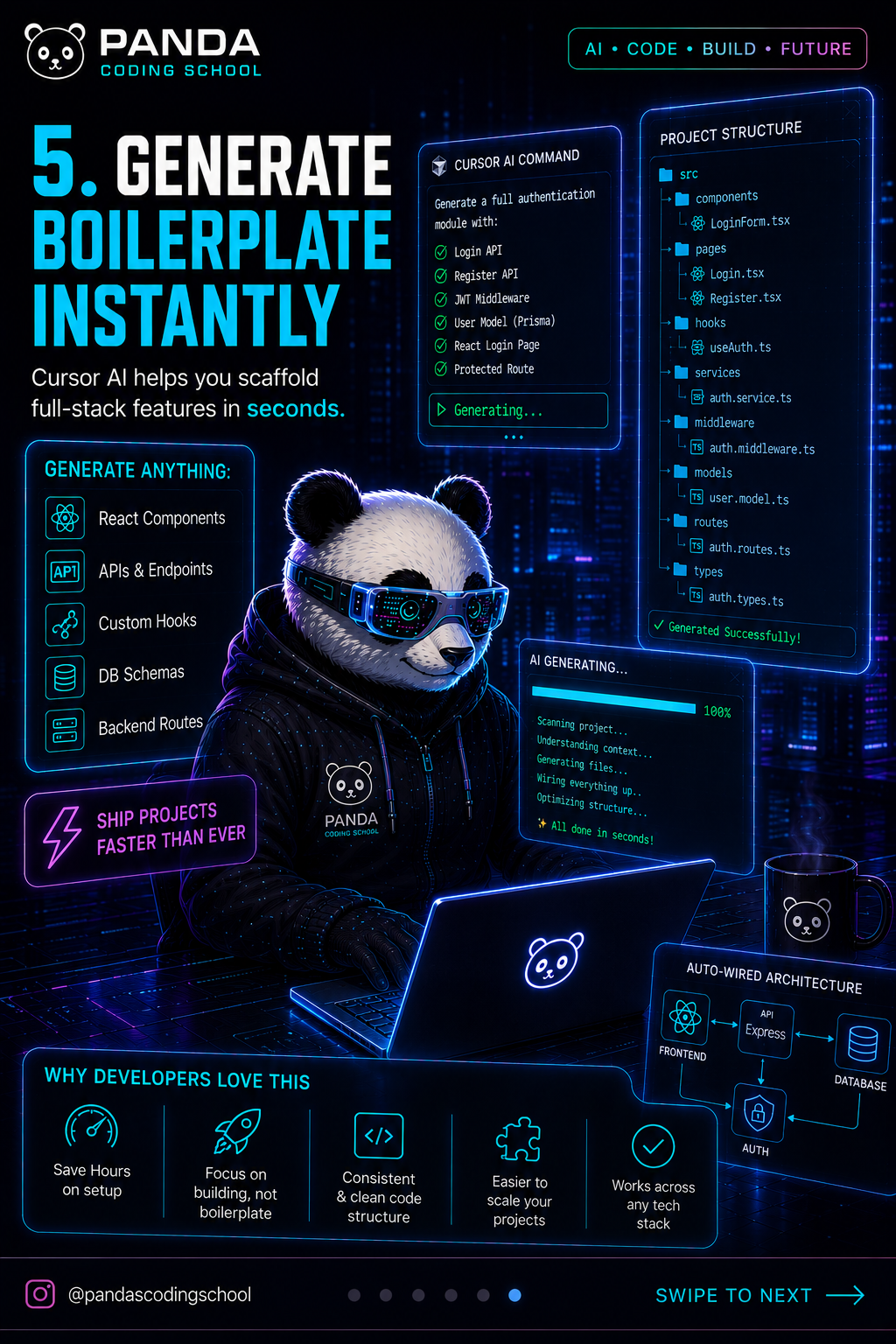
Starting new features or projects involves a lot of repetitive setup. Cursor AI can generate boilerplate code instantly, letting you focus on the unique logic instead of writing the same patterns over and over.
Cursor excels at creating:
- React components - Complete with props, state, and styling
- API endpoints - Backend routes with proper error handling
- Custom hooks - Reusable React logic with TypeScript types
- Database schemas - Prisma models, SQL tables, or MongoDB collections
- Backend routes - Express, Fastify, or Next.js API handlers
Just describe what you need in plain English. "Create a React form component with email validation" or "Generate a REST API endpoint for user authentication with JWT" and Cursor will produce production-ready code.
Pro tip: Review generated boilerplate carefully. While Cursor produces good code, you should always verify it matches your specific requirements and security practices.
Panda's Cursor Workflow

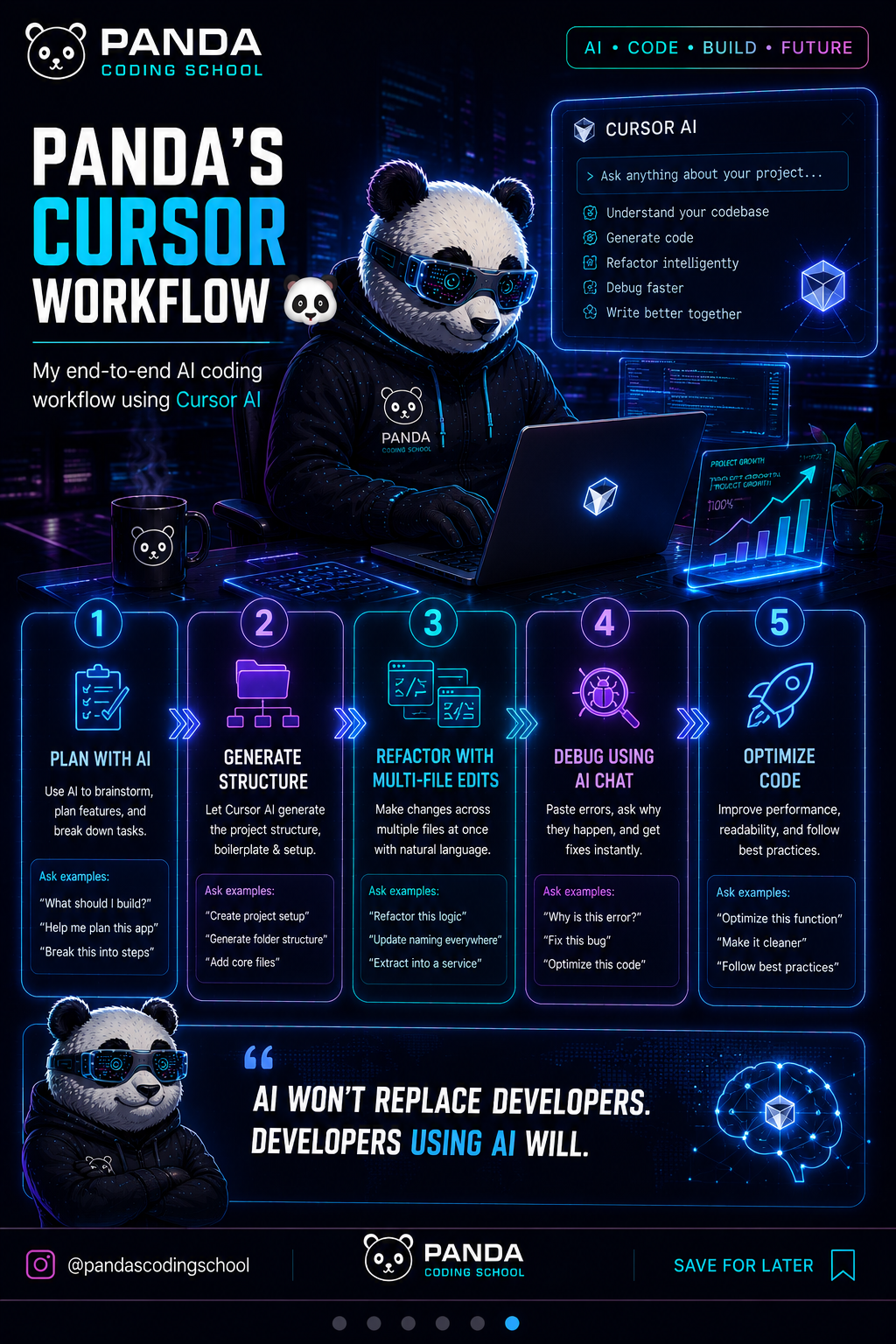
Here is how I personally use Cursor AI for maximum productivity:
-
Plan with AI - Start by asking Cursor to help architect the feature. Discuss approaches and get recommendations based on my existing codebase.
-
Generate structure - Use Cursor to create the initial files, components, and boilerplate. This gives me a solid foundation to build on.
-
Refactor with multi-file edits - As the feature grows, use multi-file editing to keep code organized and maintainable.
-
Debug using AI chat - When things break (and they always do), paste errors into Cursor for quick diagnosis and fixes.
-
Optimize code - Finally, ask Cursor to review and optimize the implementation for performance and readability.
This workflow has dramatically increased my shipping speed without sacrificing code quality.
Final Thoughts
AI will not replace developers. But developers who use AI effectively will have a significant advantage over those who do not. Cursor AI is more than just an autocomplete tool. It is a coding partner that helps you understand, create, debug, and optimize code.
The key is to use it as an accelerator, not a replacement for understanding. Always review what Cursor generates, learn from its suggestions, and maintain ownership of your code quality.
If you found these tips helpful, follow us on Twitter @pandacodingschool for more AI coding insights. And check out our other guides on AI tools and engineering tutorials to keep leveling up your development skills.
Happy coding with AI! 🐼⚡

Written by
Panda Coding School
AI Engineer & Builder
I build production AI systems and write about what actually works, what broke, and the lessons in between. Follow along for practical AI engineering, no hype.
Enjoyed this article?
Get more AI engineering insights delivered to your inbox.